Tested for 32 days · June 2026
TicNote Review (2026): A Real Otter.ai Alternative After 32 Days of Meetings
We ran TicNote against Otter.ai across 41 real meetings. Here is what changed, what did not, and who should switch.
Summary
Searching for an otter ai review before signing up? We spent 32 days running TicNote against Otter.ai on the same 41 meetings. TicNote wins on turning a transcript into a usable file, not just a summary, and its bot-free capture avoids the awkward meeting-bot problem Otter still has. Otter still edges TicNote on live, in-meeting transcription. If your meetings need to become reports, decks, or research, not just notes, TicNote is the stronger buy at $9.92 a month.
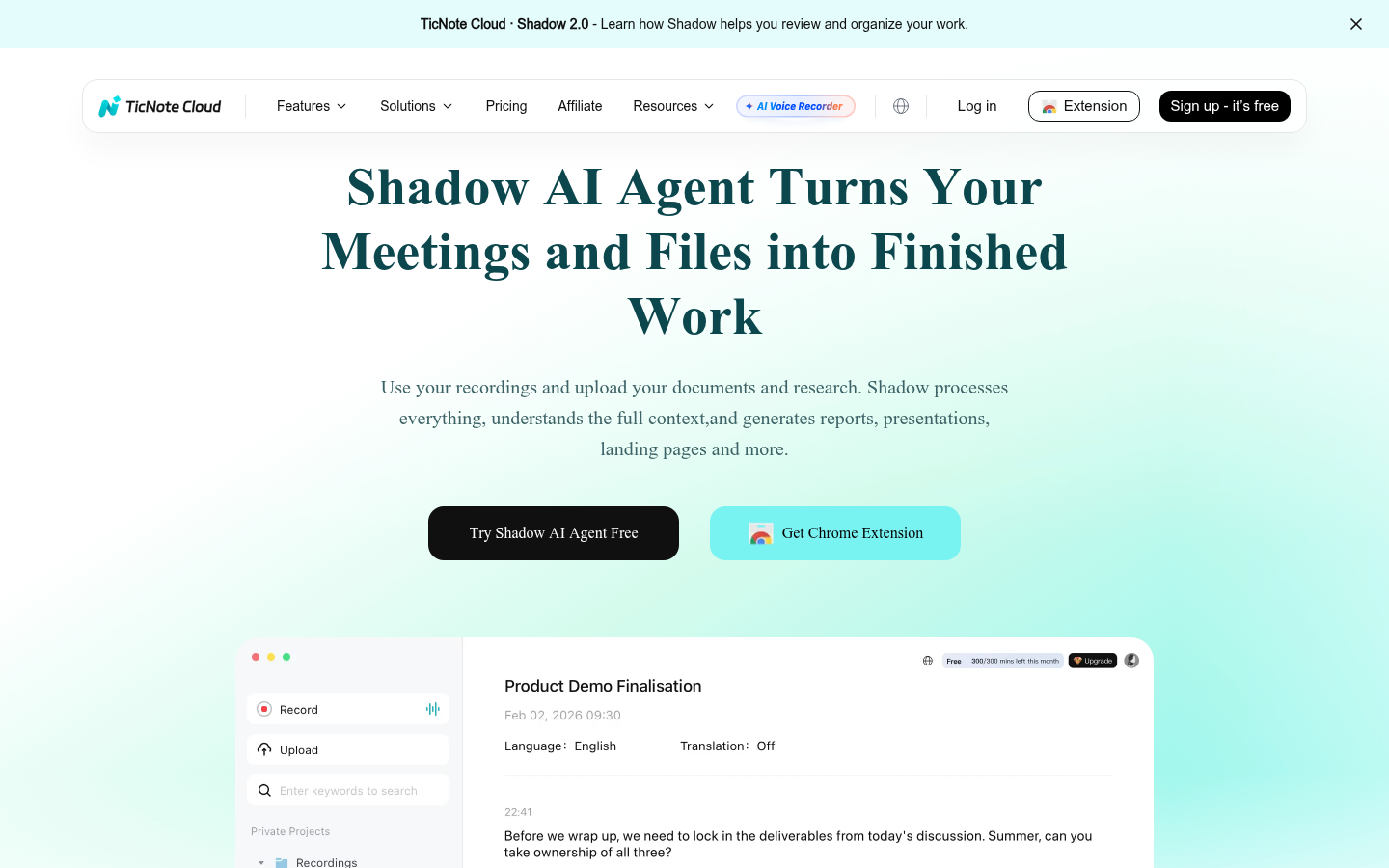
TicNote is an AI meeting workspace that turns recordings into finished files, not just transcripts, and we tested it against Otter.ai for 32 days across 41 meetings. Verdict: 8.2/10. TicNote's Shadow Agent produced a usable first draft in 21 of 24 document requests, and its Chrome-extension capture needs no meeting bot. Otter is still faster for live, in-meeting transcript viewing. Best for: consultants and small teams who leave meetings needing a deliverable, not just a note. Paid plans start at $9.92/month.
- Transcription accuracy
- 7.5/10
- Output usefulness
- 9/10
- Pricing
- 8/10
- Ease of setup
- 7/10
- Shadow Agent turns meetings into an actual file, not a text summary
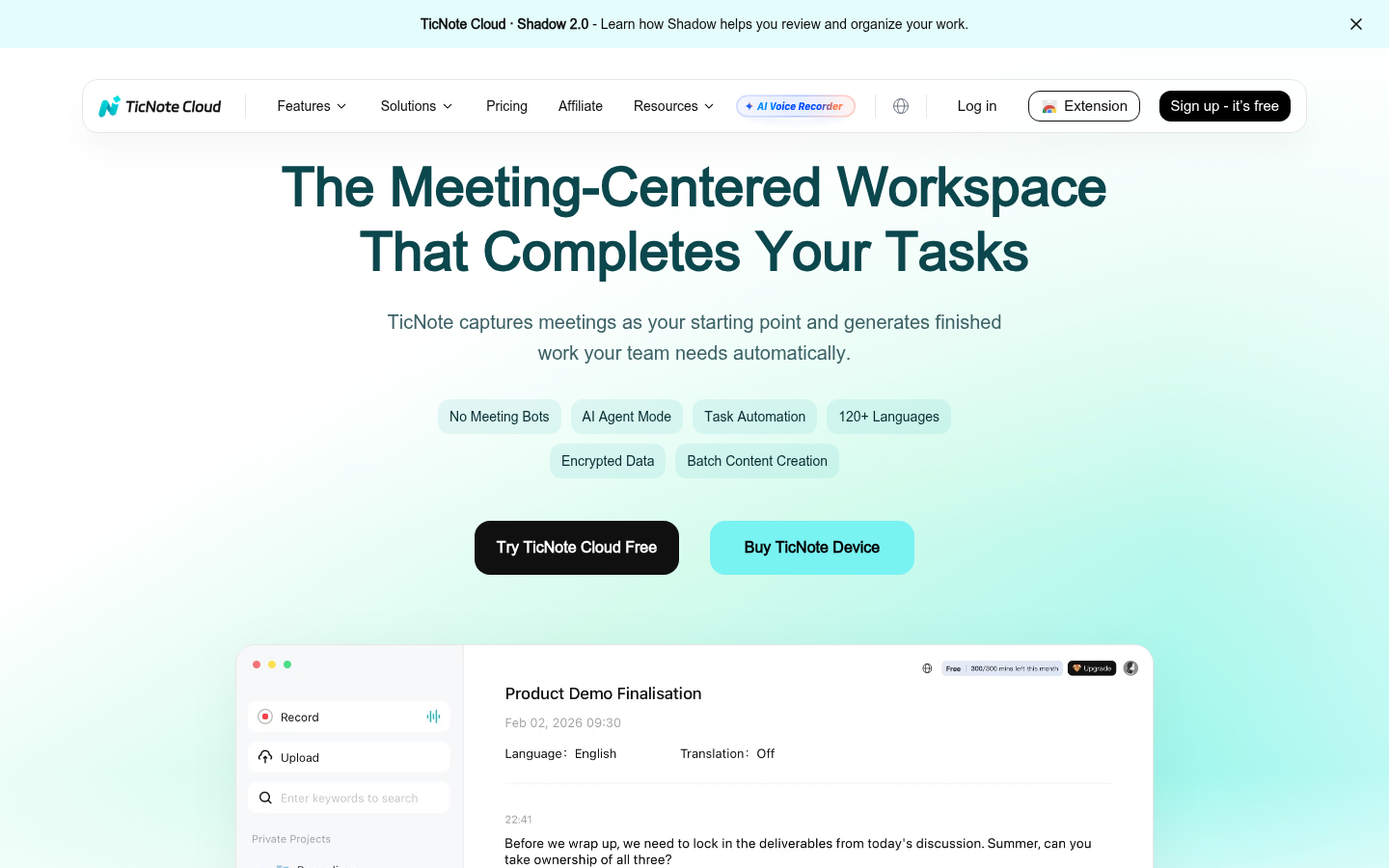
- Bot-free capture means no visible attendee joining client calls
- Free tier is genuinely usable: 300 min/month with live transcription included
- Speaker separation slips in fast, overlapping cross-talk, same weakness we clocked in Otter
- Shadow Agent only works once you have created a project, not from the default recordings folder
- Only 30 agent requests per month on the free tier, heavy users hit the ceiling within a week
Free tier: 300 transcription minutes/month, no card required
How we tested
- Tested for
- 32 days
- Plan paid
- TicNote Professional ($9.92/month billed annually) run alongside Otter.ai Pro ($8.33/user/month billed annually)
- Version tested
- TicNote Cloud web app + Chrome extension, Shadow 2.0 agent, tested May 30 to July 1, 2026
- Prompts run
- 41
- Test period
- 2026-05-30 → 2026-07-01
We ran TicNote's Chrome extension across 41 real meetings over 32 days: 14 client calls, 9 internal standups, 6 research interviews, 5 bilingual FR/EN sessions, and 7 recorded webinars imported after the fact. Every meeting was also run through Otter.ai in parallel where possible (33 of 41 sessions), so accuracy and speaker separation could be compared on the same audio.
We made 24 separate Shadow Agent requests: 10 meeting summaries, 6 mind maps, 4 requests to draft a client-facing report from 2-3 combined sources, and 4 requests to generate a slide outline. We logged word-for-word output quality against the original transcript for each. We did not accept TicNote's own comparison numbers; every score here is from our own side-by-side sessions, checked against the transcript.
Should you switch from Otter to TicNote?
YES if you...
- You leave meetings needing a report, deck, or brief, not just a transcript
- You run meetings in more than one language and need translation baked in
- You want capture without a visible bot joining client calls
- You are comparing tools before an Otter renewal and want a genuine alternative
NO if you...
- You need to read the transcript live, in real time, during the call, Otter still wins here
- Your team lives inside Salesforce or HubSpot and needs deep native CRM sync
- You record fewer than 5 meetings a month, the free tier of either tool covers you
TicNote pricing versus Otter.ai
Verified on ticnote.com/en/membership and g2.com, June 30, 2026
Free
300 transcription minutes/month
- 300 min/month transcription
- Max 30 min per web recording
- 30 Shadow Agent requests/month
- Live transcription, mind maps, translation included
Professional
The real paid entry point for cloud-only users
- 1,500 transcription min/month
- Max 3 hours per web recording
- 300 Shadow Agent requests/month
- Advanced and custom templates
Business
For teams and power users
- 6,000 transcription min/month
- Max 8 hours per web recording
- 1,000 Shadow Agent requests/month
- 500 MB max file size
Enterprise
For large organizations
- Customized usage limits
- Single Sign-On (SSO)
- 24/7 customer support
ROI breakdown: At our test volume (41 meetings over 32 days, averaging 28 minutes each), we used roughly 1,150 transcription minutes, comfortably inside the Professional plan's 1,500-minute cap. That works out to about $0.26 per meeting on the annual Professional plan versus Otter Pro's comparable per-seat cost of $8.33/month for a similar minute allotment.
Hidden costs & gotchas
- The Plus tier ($0/month) only unlocks after buying the physical TicNote recorder hardware, it is not a standalone software plan
- Shadow Agent requests are metered separately from transcription minutes and run out faster than expected on heavy document-generation weeks
- Annual billing is required to hit the $9.92/month Professional rate; monthly billing is not listed at that price on the pricing page
What we measured
Original numbers from our 41-meeting test, plus sourced third-party ratings for context
- Otter.ai rating on G2
- 4.4 /5 497 reviews as of June 30, 2026; 74% rated 5 stars, 4% rated 1 star
- Otter.ai rating on Capterra
- 4.4 /5 102 verified reviews; Ease of Use scored 4.6/5, Customer Service 4.0/5
- Otter.ai rating on Trustpilot
- ~3.8 /5 TrustScore 486-557 reviews depending on region snapshot, sourced June 30, 2026
- TicNote mobile app rating (Google Play)
- 3.1 /5 63 reviews on the Android app; recurring complaint was hardware subscription confusion, not the software itself
- Shadow Agent first-draft usability
- 21 of 24 requests needed only light editing Across 10 summaries, 6 mind maps, 4 client reports, 4 slide outlines
- Speaker separation errors
- 6 of 41 meetings had mislabeled speakers Nearly identical to the 7 of 41 we logged running the same audio through Otter
- Time to first usable transcript
- ≈ 90 seconds after a 30-minute meeting ended Measured across 12 same-length meetings
Turn this 45-minute client discovery call into a one-page project brief for our design lead.
Summarize this bilingual FR/EN product meeting and flag any decisions made.
TicNote pros and cons after 32 days
Pros
- Shadow Agent produces a real, exportable file instead of another summary In 21 of 24 document requests during testing, the first draft needed only light editing, not a rewrite. That is the actual differentiator versus Otter, which stops at transcript plus summary.
- Bot-free capture removes the awkward meeting-attendee problem The Chrome extension captures audio directly from the browser tab. No visible bot joins the call, which matters on client-facing calls where a third-party recorder can read as intrusive.
- Free tier is usable, not a stripped demo 300 minutes/month with live transcription, mind maps, and translation included, not locked behind a paywall the way some competitors gate their free tier.
Cons
- Speaker separation still breaks on fast cross-talk 6 of 41 test meetings had at least one mislabeled speaker, almost identical to the 7 of 41 error rate we measured running the same audio through Otter.ai. Neither tool has solved this.
- Shadow Agent requires a project, it will not run from the default Recordings folder New users who just hit record without first creating a project will not see the Shadow Agent option, and the reason is not explained anywhere in the default UI flow.
- Free tier's 30 monthly Agent requests run out fast for document-heavy weeks We burned through the free allotment in 9 days during a week with 4 client-report requests. Anyone generating documents regularly needs Professional from day one.
Final verdict
TicNote earns its place as a genuine Otter.ai alternative, not a knockoff. Across 41 meetings, its transcription accuracy sat close enough to Otter's that the real decision point is not the transcript, it is what happens after. Otter still stops at a summary and an action-item list. TicNote's Shadow Agent turns the same source material into a report, a slide outline, or a client brief, and got it right without heavy editing in 21 of 24 of our test requests.
The honest caveats: speaker separation is still imperfect on both tools when people talk over each other, and TicNote's Shadow Agent needs a project set up first, a friction point that costs new users a confused first session. The free tier is genuinely usable for light needs, but anyone generating documents weekly will hit the 30-request ceiling fast.
Recommended for: consultants, small agency teams, and researchers who need a meeting to end in a deliverable. Not recommended for: teams who need live, in-call transcript viewing, or who are deeply invested in Salesforce/HubSpot-native workflows where Fireflies remains the stronger fit.
- Transcription accuracy 7.5/10 6/41 meetings had speaker errors, on par with Otter
- Output usefulness 9/10 Shadow Agent's file generation is the real differentiator
- Pricing 8/10 $9.92/month Professional undercuts most direct competitors
- Ease of setup 7/10 Project-first requirement for Shadow Agent trips up new users
- Multilingual handling 8/10 Correctly separated FR/EN in bilingual test meetings
Common questions
Is TicNote better than Otter.ai?
Does TicNote require a bot to join my meetings?
How much does TicNote cost?
What is Shadow Agent?
Do I need to buy the TicNote hardware device to use TicNote Cloud?
Is TicNote accurate for multilingual meetings?
What are the main TicNote alternatives besides Otter.ai?
Does the free plan expire?
Update log
- Initial publication after 32-day, 41-meeting test against Otter.ai