Your AI Novel Generator Wrote a Draft. Now Make It Sound Like You.
AI novel generators draft chapters fast, but the prose reads flat and repetitive. Rephrasee rewrites the output sentence by sentence, in a voice that sounds like a person wrote it.

What AI novel generators leave for you to fix
Three chapters into a generated draft, the same problems show up every time.
Flat sentence rhythm
Generators default to the same subject-verb-object shape for pages at a time. Rephrasee varies rhythm and length so a chapter doesn't read like a checklist.
One voice for every character
Dialogue and interior thought often sound identical across characters. Rephrasee rewrites passages with the tone and register you set per character.
Repeated openers and tics
Same sentence starters, same transition words, chapter after chapter. Rephrasee flags and varies the patterns a generator falls back on.
Telling instead of showing
Generated prose often states the emotion outright instead of letting a scene carry it. Rephrasee tightens passages toward showing, without rewriting your plot.
Pacing that drags mid-scene
Long generated scenes tend to over-explain. Rephrasee cuts filler while keeping the details that matter to the story.
Continuity you still have to check
A rewrite pass is also a re-read. Catching a renamed character or a dropped detail is easier once the prose stops sounding the same everywhere.
How a generated chapter becomes a readable one
Three passes, one chapter or scene at a time.
-
1
Paste the generated chapter
Drop in the raw output from your novel generator, one chapter or scene at a time.
-
2
Set the tone and voice
Pick a register (literary, commercial, YA, noir) or match a short sample of your own writing.
-
3
Review the rewrite
Rephrasee returns a rewritten version with rhythm, dialogue, and word choice adjusted. Accept it, tweak it, or re-run with different settings.
Fixing the sentence-level sameness in a fantasy draft
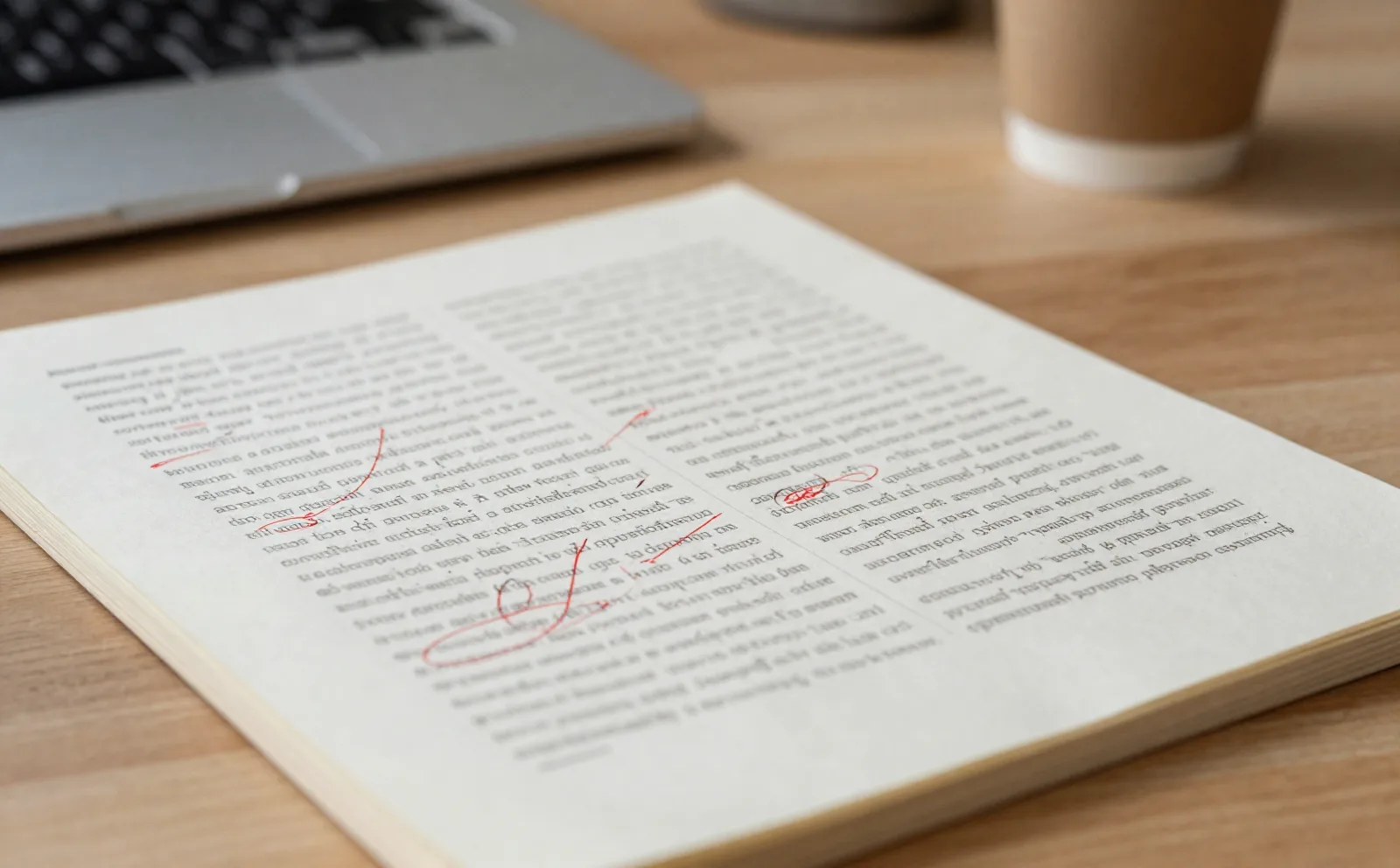
A generated fantasy chapter came back with forty sentences starting the same way, and every character explaining their feelings out loud instead of acting on them. Rephrasee rewrote it scene by scene: varied the openers, cut the narration that told us what to feel, and left the plot beats and worldbuilding untouched.
- Sentence openers varied automatically
- Character voices separated by speaker
- Plot and worldbuilding details preserved
Turning a generated outline into a chapter with a real voice
A generator can expand a beat sheet into full scenes fast, but the result reads like a synopsis with quotation marks. One user pasted three generated scenes and matched the tone to a sample chapter she had already written by hand. The rewrite kept her sentence habits: short lines for tension, longer ones for description, so the generated chapters stopped reading like a different author had written them.
- Match tone to a sample of your own writing
- Works scene by scene, not just full manuscripts
- Keeps names, facts, and plot points fixed

What changes once the rewrite pass happens
I ran my generator's draft through three chapters before I noticed how much it repeated itself. Rephrasee's pass didn't touch my plot, it just stopped every sentence from starting with a name.

The test I run every time: paste a scene, set the tone to match my last book, compare the two side by side. The rewritten version is the one beta readers don't flag as robotic.

My generator is good at plot, bad at voice. Rephrasee is the opposite problem solved: it leaves the plot alone and fixes the voice.

Common questions
Does Rephrasee generate the novel for me?
Which AI novel generators does Rephrasee work with?
Will the rewrite change my plot or facts?
How much text can I paste in at once?
Does this work for genres other than fantasy or sci-fi?
Is the rewritten text still detectable as AI-written?
How is this different from asking the generator to 'make it better'?
Rewrite your next chapter before you publish it
Paste a chapter, set your tone, get a version that doesn't read like a template.